Lightspeed and Bol.com: Connecting Your POS to the Netherlands' Biggest Marketplace
Learn how Lightspeed retailers can sync inventory and orders with Bol.com automatically, saving time and eliminating overselling risks.
Today you open the Bol.com seller account, copy the items and delivery address per order, and keep your own list of which ones are done. A return or a cancellation starts that round all over again. With this connector, what happens in Bol.com lands in Lightspeed by itself, in the shape Lightspeed expects. Request it and you get access; you hear from us within 24 hours.
Today you open the Bol.com seller account, copy the items and delivery address per order, and keep your own list of which ones are done. A return or a cancellation starts that round all over again.
Today you enter orders by hand and correct stock afterwards, usually once something already went wrong.
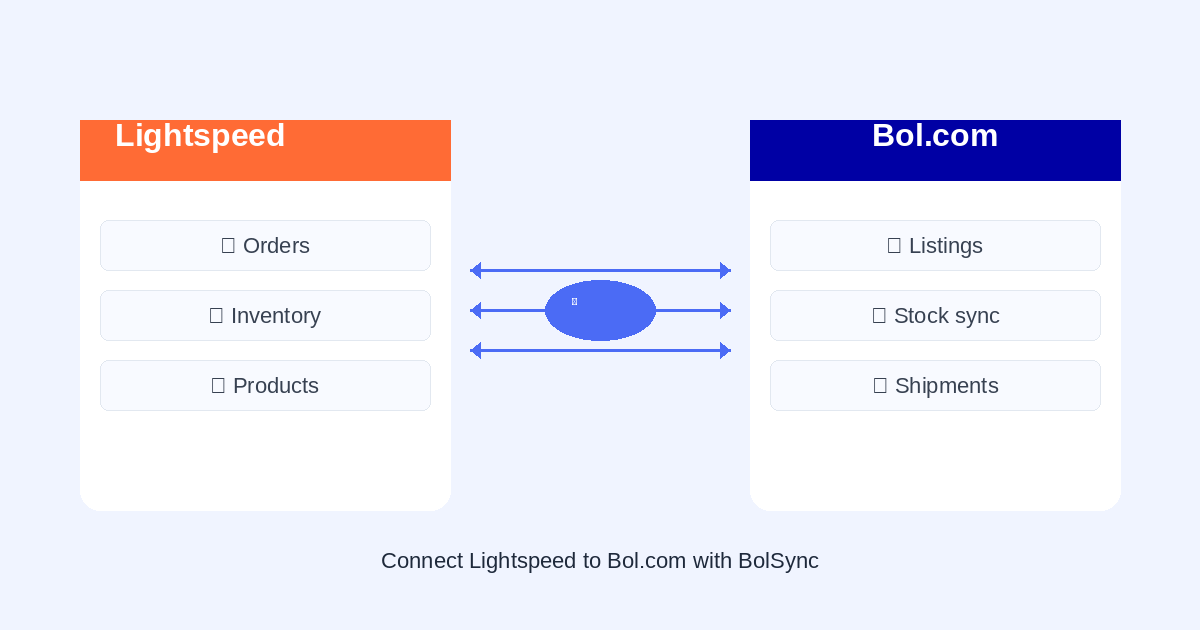
Everything this connector moves between Bol.com and Lightspeed, and how often.
Every order becomes an order in Lightspeed with line items, matched on EAN or SKU, so you handle it all from Lightspeed without retyping.
A sale updates stock in Lightspeed, so you never sell the same last unit on two channels at once.
Bol.com and Lightspeed do not describe the world the same way. This is what has to line up.
Bol.com thinks in orders split per item, with an EAN per line, its own order number and a delivery promise you are held to. Commission and shipping costs sit apart from the order line, so what you sell and what you get paid are two different amounts.
A shop platform needs to point each line at a product, usually via SKU or barcode, and track stock per product.
Request the Bol.com to Lightspeed connector and get access. You hear from us within 24 hours.
Together we settle what should travel out of Bol.com. A shop platform needs to point each line at a product, usually via SKU or barcode, and track stock per product.
You check the connector on a few test records before anything becomes final, then it runs by itself.
Not sure how to get those keys? Step by step:
Inside your Shopify admin, as an app. You sign in through Shopify, no separate account.
Request this connector: tell us what you need and we reply within 24 hours.
Bol.com and Lightspeed is one of many. Pick two systems and see what travels between them.
Yes. Schakel connects through the official APIs of Bol.com and Lightspeed, so you install nothing on your own server and nothing travels outside those two parties.
On EAN barcode or SKU. Those have to line up on both sides; anything that does not match automatically you map once by hand, and it is remembered after that.
No. Schakel only creates new orders in Lightspeed and leaves your existing ones alone.
No. Once it runs, everything you now look up in the Bol.com seller account arrives in Lightspeed by itself. You only open Bol.com when you want to check something yourself.
You start free and only pay once the connector is really running. After that the same tiers apply as for any other connector, based on how much runs through it each month.
That depends on your tier: hourly on the free tier up to every 5 minutes on the unlimited tier. You can always start a sync yourself as well.
Yes. Besides new orders, Schakel also sees returns and cancellations on Bol.com, so Lightspeed does not lag behind what actually sold.
Nothing gets lost. Schakel retries later and the log shows exactly what happened, so at most you notice something coming through a little later.
Tell us what Bol.com and Lightspeed should do for you. If it is not in here yet, that is usually because nobody has asked. We build on request and we reply within 24 hours.
We use cookies to measure how the site is used and to improve our advertising. Necessary cookies are always on.