Subscriptions are a valuable source of recurring revenue for many Shopify stores. Whether you sell monthly product boxes, software licences, or service subscriptions, every recurring payment needs to be correctly recorded in your bookkeeping. But how do you process Shopify subscriptions in Moneybird, and what are the common pitfalls?
How do subscriptions work in Shopify?
Shopify supports subscriptions through apps like Recharge, Bold Subscriptions, or the built-in Shopify Subscriptions feature. Each renewal generates a new order in Shopify, similar to a regular one-time purchase. The key difference is that these orders arrive automatically and periodically, without the customer needing to take any action.
That sounds straightforward, but it brings specific accounting challenges. A subscription payment that comes in on the 1st of the month must be attributed to the correct period in Moneybird. Failed payments must be recorded as open invoices. And when a customer changes or cancels their subscription mid-cycle, that too needs to be handled correctly.
Creating invoices per renewal cycle
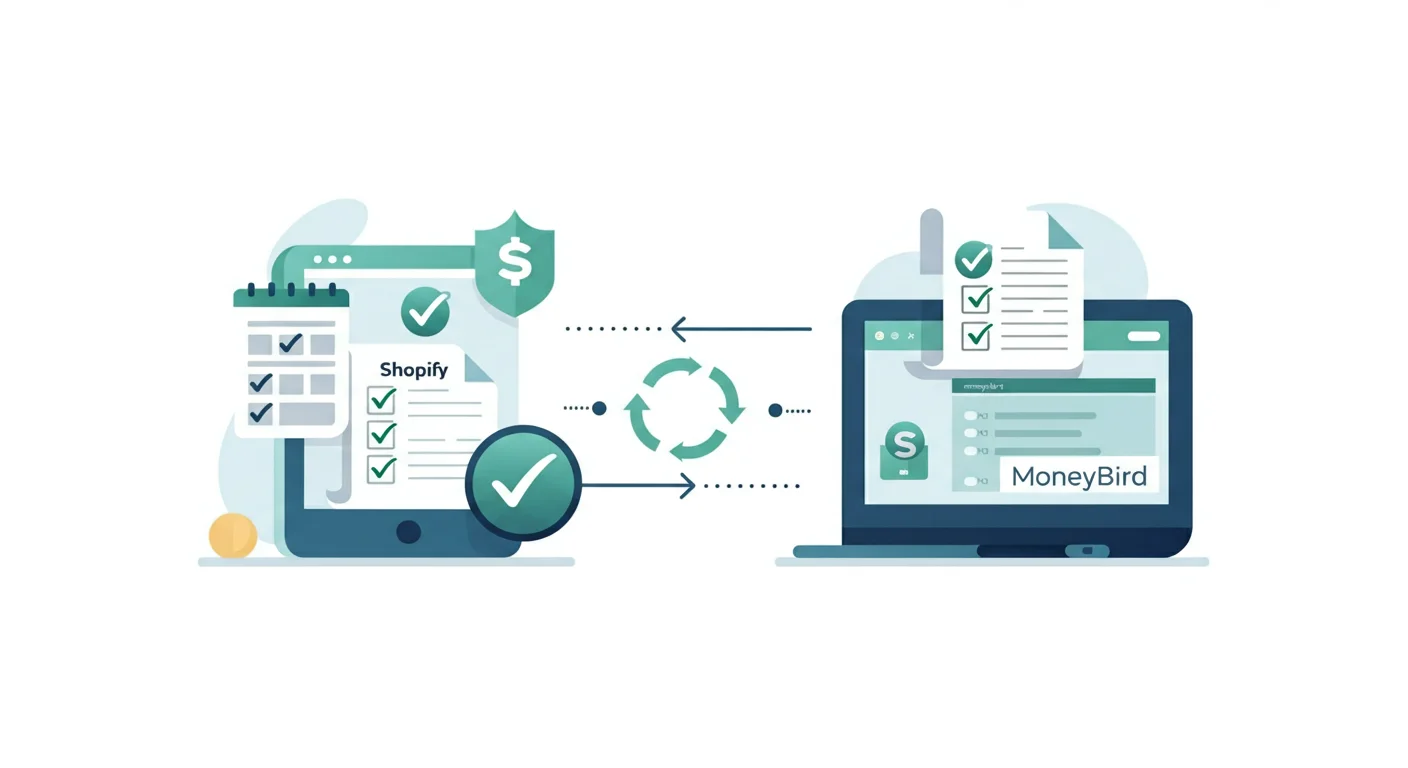
With Schakel, every Shopify order, including subscription renewals, is automatically created as a sales invoice in Moneybird. As soon as Shopify processes a new recurring order, it sends a webhook to Schakel, which then creates the invoice with all relevant details:
- Customer details: name, email address, and VAT number of the subscriber if applicable
- Product line: the subscription product with the correct description and price
- VAT coding: the applicable rate based on your Shopify product settings
- Payment registration: the invoice is immediately marked as paid once payment succeeds
The result is that your Moneybird administration always stays in sync with your subscription revenue in Shopify, without any manual work.
Failed payments: how to handle them
Not every subscription payment succeeds. Expired credit cards, insufficient funds, or technical issues can cause Shopify to mark a payment as failed or pending. In that case, Schakel does create an invoice, but does not register the payment.
In Moneybird, the invoice will appear as outstanding. Once Shopify processes the payment successfully, the invoice is automatically marked as paid. If the payment ultimately does not come through and the subscription lapses, the invoice remains open as uncollectable. You can then write it off manually in Moneybird via a journal entry or bad debt booking.
For accurate bookkeeping, it is a good habit to periodically check your outstanding invoices in Moneybird for failed subscription payments. More about managing payments is covered in our article on Shopify and Moneybird payments.
VAT on subscriptions: watch the period
For VAT purposes, the general rule is that VAT is due in the period in which the service is delivered, not necessarily when the payment arrives. For a monthly subscription renewed on the 28th of the month for the following month, the VAT technically falls in the month of renewal.
In practice, Moneybird books the invoice on the date Schakel passed from Shopify, which is the date of the renewal transaction. This is sufficiently accurate for most stores. Pay attention with annual subscriptions paid upfront: strictly speaking, the VAT should be spread over the subscription period. Consult your accountant if you receive significant annual subscription amounts.
VAT rates on subscriptions follow the same rules as one-time purchases. Selling a software subscription? That is 21% VAT in the Netherlands. Providing services to business customers in other EU countries? The reverse charge mechanism may apply. More on this in our article on reverse charge VAT for EU B2B sales.
Subscription cancellations and plan changes
When a customer cancels their subscription, Shopify stops creating new renewal orders. No action is needed in Moneybird: new invoices simply stop being created. Previously created invoices remain in place.
When a subscription is upgraded or downgraded mid-cycle, Shopify sometimes creates an adjustment charge or credit. Schakel processes these adjustments as separate invoices or credit notes, depending on whether they represent an additional charge or a refund. When plan changes occur, always verify that the corresponding bookings are correctly created in Moneybird.
Ledger accounts for subscription revenue
In Moneybird, you assign invoice lines to a ledger account. For subscription revenue, using a dedicated account under “Revenue” helps you distinguish this income stream from one-time sales. This makes it straightforward to see in your reports how much of your revenue is recurring.
You can configure which ledger account Schakel uses by default for invoice lines. If you use consistent product names for subscriptions in Shopify, they are easy to recognise in Moneybird. More about setting up ledger accounts correctly is covered in our article on Shopify ledger accounts in Moneybird.
Automate your subscription administration
Subscriptions generate predictable revenue, but also a constant flow of invoices that need to be booked correctly. Keeping up manually takes too much time and increases the risk of errors. With Schakel, every subscription payment is automatically and immediately processed in Moneybird, so your administration is always current without any manual effort.
Ready to start syncing your Shopify subscriptions to Moneybird automatically? Try Schakel free for 30 days and discover how much time you save.
Want this handled automatically? Pick your connector.
Back to the blog