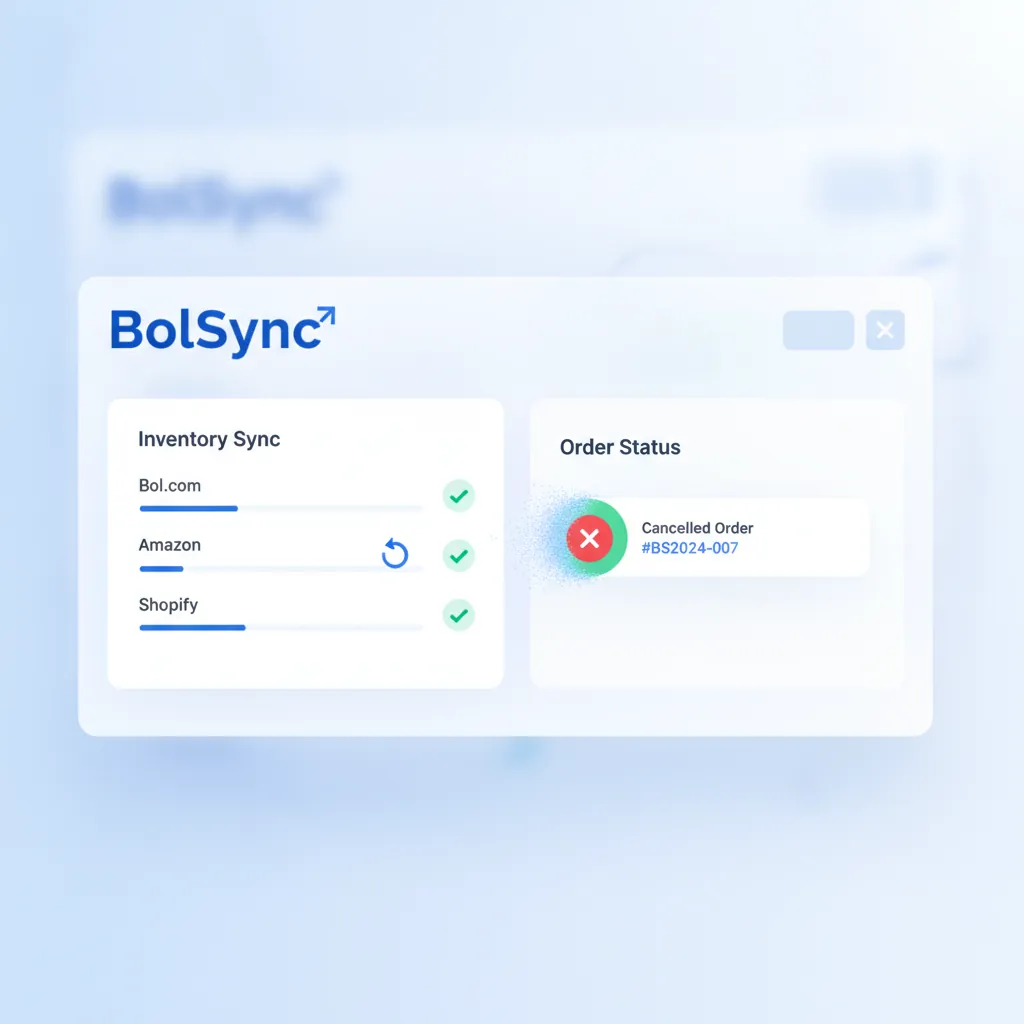
A cancellation on Bol.com is never just a lost sale. It triggers a chain of consequences that affects your seller rating, your buy box ownership, and your relationship with the customer, all at once. Bol.com measures your cancellation rate closely, and a score above 2% puts your account at risk of suspension. For sellers managing stock across multiple channels, keeping that number low without automation is nearly impossible.
This guide explains why cancellations happen, what they cost you, and how to eliminate them at the source.
Why Orders Get Cancelled
The most common cause is not fraud, not customer error, and not a shipping problem. It is a stock discrepancy.
Here is what happens: you list 10 units of a product on Bol.com. The same product is also listed in your Shopify store and maybe a second marketplace. An order comes in through Shopify, selling 8 of those 10 units. Before your Bol.com listing is updated, a buyer places an order for 5 units. You cannot fulfil it. You cancel.
This happens dozens of times a day for sellers operating across multiple channels without synchronization. The fix is not to sell on fewer channels. The fix is to make sure your stock is accurate everywhere, at all times.
What a Cancellation Actually Costs You
The immediate cost is obvious: no revenue from that order. But the downstream effects are more damaging.
Bol.com uses your cancellation rate as a factor in determining whether you win the buy box. A high cancellation rate signals unreliability. Algorithmically, you lose visibility precisely at the moments when demand is highest, which is exactly when you can least afford it.
Beyond the algorithm, customers who receive a cancellation rarely come back. They leave reviews that describe a poor experience. They choose a different seller next time and remember the name. One cancellation can mean losing a customer for years.
For sellers who have worked to build up a positive rating, a spike in cancellations can undo months of effort in a matter of weeks.
The Root Cause: Manual or Delayed Stock Updates
If your inventory moves faster than your listings update, you will get cancellations. This is true whether you are updating manually, using spreadsheets, or relying on batch syncs that run once an hour or once a day.
Batch synchronization is particularly deceptive. It feels automated, but a one-hour sync window means a full hour of exposure where your Bol.com stock might be wrong. During a promotion, a flash sale, or a viral moment on social media, one hour is more than enough time to oversell dozens of units.
The only reliable solution is real-time synchronization. As soon as a unit sells on any channel, every other channel must reflect the updated stock immediately.
How Real-Time Sync Works
With Schakel connected to your Shopify or WooCommerce store, stock updates happen within seconds of each transaction. The flow looks like this:
- An order comes in through Shopify.
- Schakel detects the inventory change and immediately updates your Bol.com listing.
- By the time a buyer on Bol.com even searches for your product, your stock count is already accurate.
This works in both directions. If a Bol.com order comes in first, Schakel updates your webshop stock before the next visitor sees your product page. Neither channel can oversell the other.
You can also configure buffer stock. Instead of listing your true available quantity, you can tell Schakel to list quantity minus two, or minus five, depending on your risk tolerance. This safety margin absorbs edge cases, such as a stock discrepancy at the warehouse level, without exposing you to cancellations.
Setting Safety Stock Thresholds
The buffer stock feature is especially useful for fast-moving items. If a product regularly sells 20 units per day across all channels, even a five-second sync delay theoretically creates exposure. Setting a buffer of two to five units means you absorb that risk without listing false scarcity.
You can also set minimum stock thresholds that automatically pause your Bol.com listing when inventory drops below a certain level. Instead of cancelling an order, you simply stop accepting new orders until stock is replenished. Bol.com allows sellers to temporarily deactivate listings, and doing so proactively is far better for your rating than cancelling after the fact.
For more detail on configuring these thresholds, see our guide on safety stock automation for Bol.com sellers.
What Happens When You Get It Right
Sellers who move from manual or batch inventory management to real-time sync typically see their cancellation rate drop to near zero within the first month. The buy box becomes more stable. Customer satisfaction scores improve. And the time that was previously spent manually correcting stock levels, processing cancellations, and responding to frustrated customers gets redirected to things that actually grow the business.
The operational improvement is real, but the compounding effect on your Bol.com ranking is what makes the biggest difference. Lower cancellation rates mean more buy box time. More buy box time means more sales. More sales mean more reviews. Over a few months, the gap between a seller with reliable inventory sync and one without becomes increasingly hard to close.
Getting Started
The fastest path to eliminating cancellations is connecting Schakel to your primary inventory source, whether that is Shopify, WooCommerce, Lightspeed, or a custom ERP. From there, configure your buffer stock settings and set your minimum threshold rules. Most sellers are fully configured within a few hours and see their cancellation rate improve within days.
If you are currently managing inventory manually or relying on daily CSV exports, start there. The cost of a cancellation in lost revenue, damaged ratings, and wasted time is almost always larger than it appears on the surface.
Want this handled automatically? Pick your connector.
Back to the blog